Building Blocks to Success: Child Care Center Management Software Marketing Tips
Category: Early Learning Education
What Is Child Care Center Management Software Marketing?
Child care center management software marketing is the process of explaining, promoting, and selling digital tools that help child care centers manage daily operations. The marketing may include a website, blog articles, search engine optimization, email communication, social media, webinars, product demonstrations, partnerships, and customer education.
The strongest marketing does not begin with technical language. It begins with the problems center leaders already recognize. A director may be tired of searching through paper attendance records. An administrator may spend hours copying enrollment information into different documents. Teachers may struggle to complete daily reports while supervising children. Families may miss updates because communication is spread across several channels.
Software marketing should show how a platform can make these situations easier. The message should explain what changes in the center’s routine, how much effort implementation may require, and what support is available. A potential customer should be able to understand the product without needing to know software terminology.
Marketing should also be accurate. It is better to explain a smaller number of features clearly than to promise that the platform will solve every operational problem. Trust is especially important in child care because software may handle attendance, family communication, billing, enrollment information, health details, and other sensitive records.
Start With a Clear Positioning Message
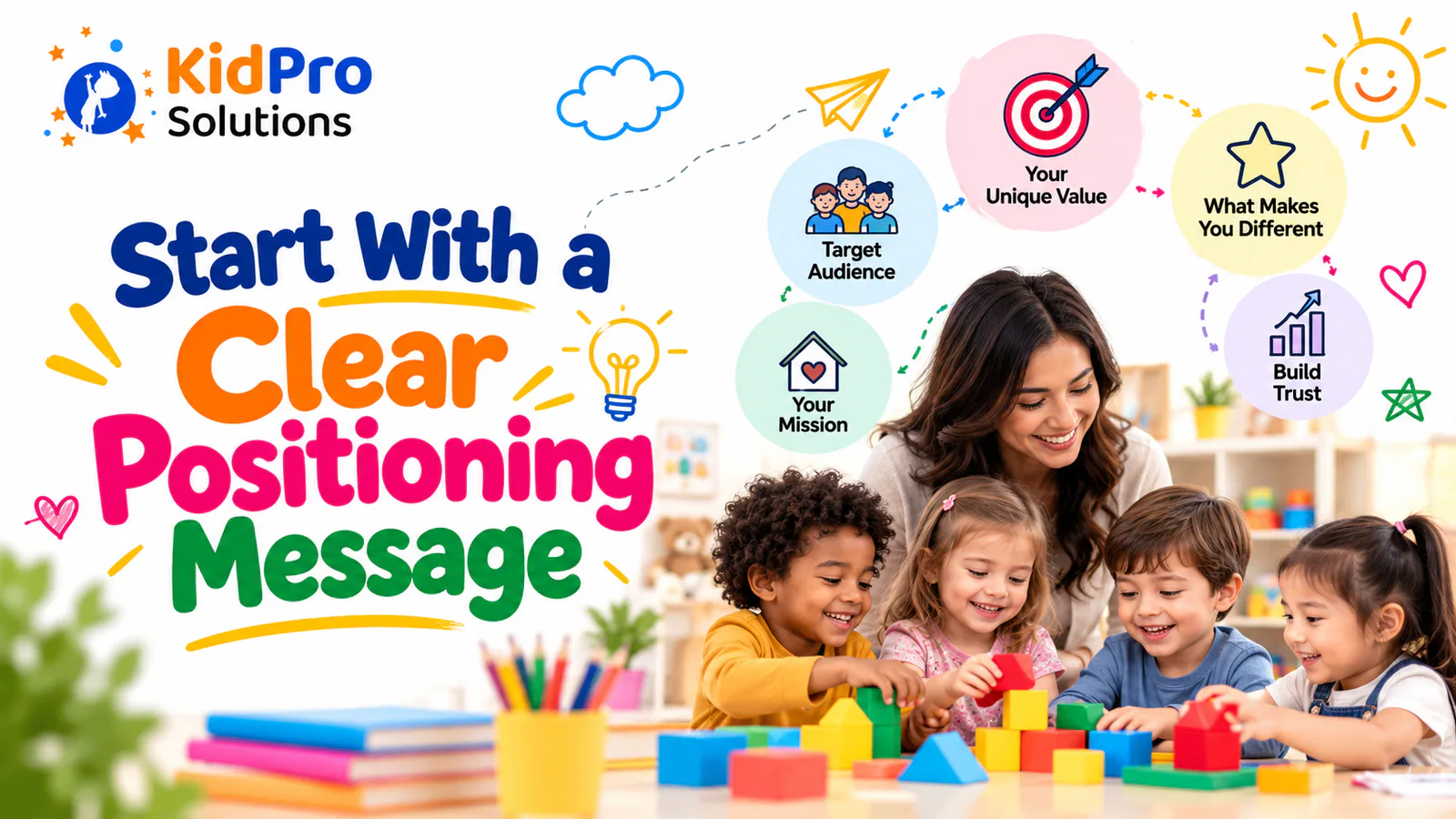
Positioning explains who the software is for, what problem it solves, and why it may be a better fit than other options. A vague message such as “the future of child care technology” does not tell a director enough. A clearer message might explain that the platform helps child care centers bring attendance, family communication, enrollment, and daily reporting into one organized system.
The message should be simple enough to understand quickly and specific enough to be meaningful. Child care owners do not want to decode a slogan before they know what the product does. The headline, supporting text, and call to action should work together to answer three questions: Who is this for? What does it help with? What should I do next?
A good positioning message can then be adapted for different audiences. For directors, the focus may be better visibility across attendance, enrollment, reports, and staff operations. For teachers, it may be easier to do daily documentation and family updates. For parents, it may be a clearer way to receive information about their child’s day.
A platform such as KidPro’s child care management software can use this approach by presenting attendance, communication, daily reports, enrollment, and operational support as connected parts of the center’s work. The product story becomes easier to understand when each feature is connected to a recognizable need.
Understand the Different People Involved in the Buying Decision
One of the most important child care software marketing tips is to avoid speaking to the entire audience in exactly the same way. A center owner, director, teacher, administrator, and parent may interact with the product differently.
Directors often want to understand whether the software can reduce administrative pressure, improve oversight, support compliance, and provide useful reports. They may also care about implementation, staff adoption, customer service, and predictable costs.
Administrators may be interested in enrollment, billing, attendance corrections, reporting, account management, and records. They need to know whether the platform will reduce duplicate data entry and make routine information easier to find.
Teachers usually care about speed and simplicity. They may ask whether they can record an activity without leaving the classroom, send a daily update without writing a long report, and find important information without navigating through unnecessary screens.
Parents are not always the purchaser, but their experience can influence a center’s decision. They want communication that is timely, understandable, secure, and useful. Marketing materials should show how the platform supports families without suggesting that digital updates replace conversations with educators.
Create separate examples and landing page sections for these audiences when possible. This makes the product feel relevant to the person reading rather than like a general tool designed for nobody in particular.
Lead With Problems Instead of Features
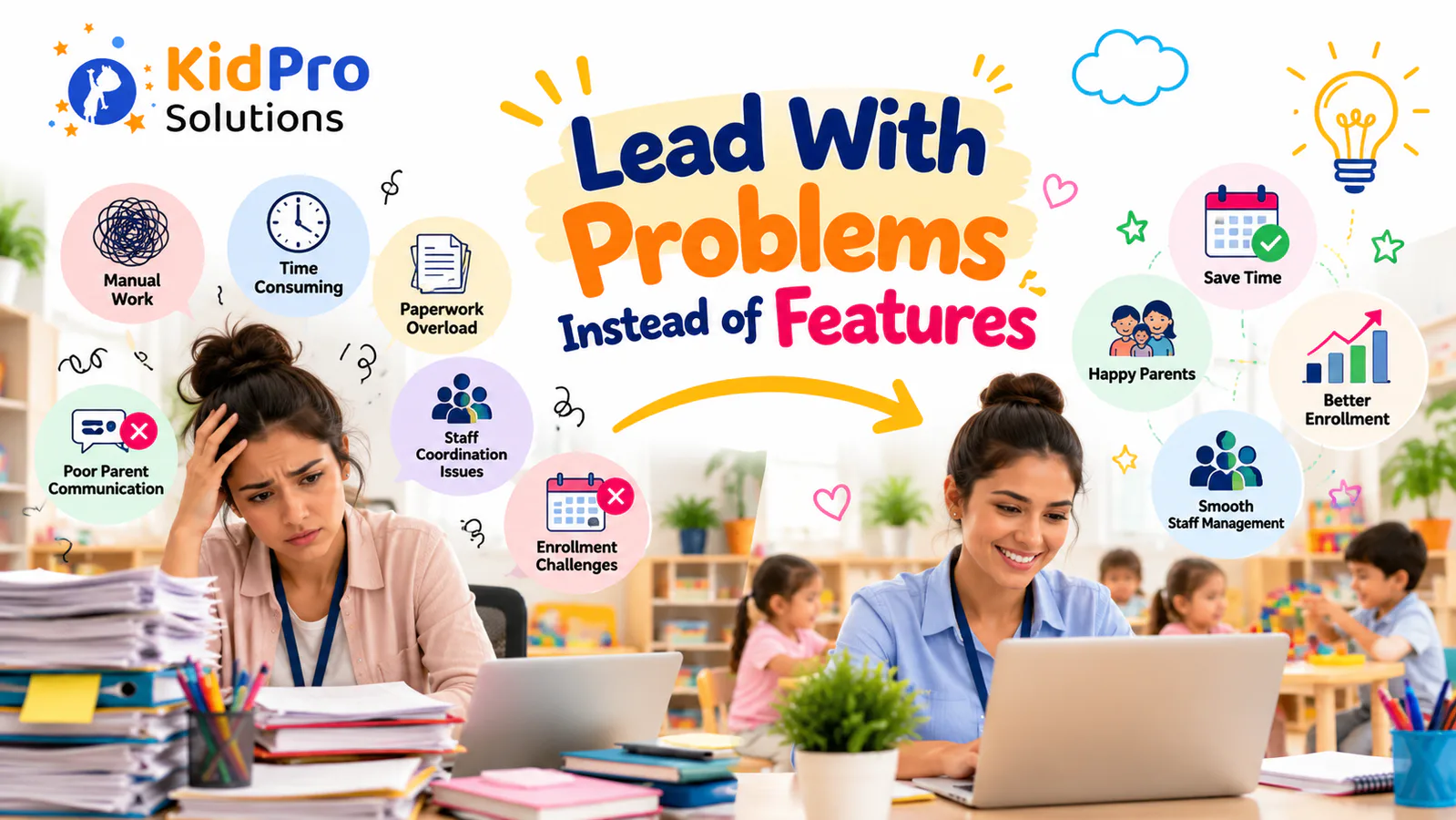
Feature-based marketing lists what the software contains. Problem-based marketing explains why those features matter. Both have a place, but a potential customer usually understands value more quickly when the message begins with a familiar challenge.
Instead of saying that the platform has “real-time attendance tracking,” explain that digital check-in can help staff maintain a current record of arrivals, identify missing entries, and review attendance information more efficiently. Instead of simply saying “two-way messaging,” explain that the center can keep routine family communication in one approved channel rather than relying on scattered conversations.
This approach does not mean hiding the features. It means giving them context. A daily report feature matters because families want to know about their child’s activities, while educators need a manageable way to share observations. An enrollment feature matters because administrators want to reduce repeated data entry and keep required information organized.
Use real situations in website copy and blog content. Describe a busy morning arrival, a director preparing a report, a teacher sharing a classroom update, or a family trying to find an important message. Practical examples help readers picture the software in their own environment.
Build a Website That Explains the Product Clearly
The website is often the first serious interaction a potential customer has with the software company. It should make the product understandable without requiring a sales call for basic information.
The home page should explain the audience, central value, main functions, and next step. Feature pages can then provide more detail about attendance, family communication, daily reports, enrollment, billing, reporting, or classroom operations. The pages should connect to one another so visitors can move naturally from a general overview to the specific problem they want to solve.
Use screenshots, short videos, diagrams, and examples when they genuinely improve understanding. A screenshot should be accompanied by an explanation of what the user can do and why that action matters. Avoid filling the page with images that look impressive but do not clarify the workflow.
Every important page should have a clear call to action. Depending on the sales process, this may be a product demonstration, a consultation, a contact form, a trial, or a request for pricing. The call to action should match the reader’s level of interest. Someone who has just discovered the product may prefer to read a guide before booking a demonstration.
The website should also answer practical questions about implementation, training, support, data security, integrations, account management, and pricing structure. Clear information reduces uncertainty and helps sales conversations become more productive.
Use Search Engine Optimization to Reach Center Leaders
Search engine optimization can help child care software companies reach people who are actively looking for solutions. The goal is not to repeat the same keyword in every paragraph. The goal is to create useful pages that answer the questions potential customers are already asking.
A strong keyword strategy can include terms such as child care center management software, daycare management software, child care attendance software, child care parent communication software, digital enrollment for child care, and child care daily reports. More specific searches may include how to choose child care management software, how to improve child care attendance tracking, or how to communicate with parents from a daycare app.
Each page should focus on one main search intent. A page about attendance should explain attendance workflows, check-in, reports, errors, and emergency records. A page about parent communication should discuss messages, daily reports, privacy, response expectations, and family engagement. Combining every topic on one page can make the content difficult to use.
Use the primary phrase naturally in the title, main heading, introduction, selected subheadings, and metadata. Include related language where it helps the reader, but avoid forcing terms into sentences. Search engines and readers both respond better to content that is clear, specific, and genuinely useful.
Internal links can guide visitors from educational content to relevant product pages. For example, a blog about reducing paperwork can link to a page about enrollment or digital records. A post about parent communication can link to daily reports and messaging features. Descriptive anchor text is more helpful than generic phrases such as “click here.”
Create Educational Content for Every Stage of the Buying Journey
A potential customer may encounter a software company long before they are ready to request a demonstration. Content marketing helps the company remain useful during that early research stage.
Introductory articles can explain what child care management software is, why digital attendance matters, how to improve parent communication, and what to consider before changing systems. These articles should educate readers without turning every paragraph into a sales pitch.
More detailed content can help readers compare approaches. A guide may discuss paper records versus digital records, how to prepare staff for implementation, how to migrate child care data, or how to create a software evaluation process. This type of content is useful for directors who are building internal agreements before making a purchase.
Product-focused content can explain specific workflows through screenshots, examples, and short demonstrations. A reader who is already comparing solutions may want to understand how attendance corrections work, how daily reports are shared, or how administrators review information.
Customer education should continue after the sale. Onboarding guides, training articles, webinars, and help resources improve adoption and show that the company is committed to the customer’s success rather than only to the initial purchase.
Make Parent Engagement Part of the Marketing Story
Child care center software is purchased by a center, but it affects families every day. Marketing should explain how better internal organization can create a smoother parent experience.
Parents may receive attendance updates, daily activity reports, messages, reminders, and important announcements through the platform. They may also have an easier way to communicate with the center and review information about their child’s day. These benefits should be described in plain language rather than presented as a list of technical functions.
The message should remain balanced. A digital update can help a parent feel connected, but it cannot replace a warm greeting, a conversation about a concern, or the relationship between family and educator. The best marketing presents technology as a support for strong partnerships.
Use parent-centered examples in content. Explain how a family can find a daily report after work, receive a notice about a schedule change, or send an update about a child’s routine. These examples help directors understand why family-facing features matter to their own center.
If the platform supports individual messaging, broadcasts, daily updates, and attendance communication, explain when each type of communication is appropriate. This shows that the software supports a thoughtful communication process rather than encouraging centers to send more notifications without purpose.
Demonstrate the Product Through Real Workflows
A product demonstration should show how the software works during a normal child care day. A generic tour of menus may not answer the questions that matter to staff and directors.
Begin with a familiar situation. Show how a family completes digital check-in, how staff confirm attendance, how an educator records a daily activity, how a director reviews a report, and how a parent receives a message. Connect each screen to the work that needs to be completed.
Demonstrations should include realistic questions. What happens if an entry is missing? How is an incorrect record corrected? Can staff use the platform on a tablet or phone? How are user permissions managed? What information can families see? What happens if the internet connection is temporarily unavailable?
Avoid making the demonstration too long. Focus on the workflows that match the center’s goals and provide additional resources for detailed features. The presenter should leave enough time for questions because those questions reveal the concerns that may affect adoption.
A recorded demonstration can support marketing, but it should be updated when the product changes. Outdated screens or inaccurate promises can reduce trust.
Use Social Proof Carefully and Honestly
Social proof can help potential customers feel more confident, especially when they are evaluating a system that will affect staff, families, and sensitive records. Testimonials, case studies, reviews, and customer examples can show how the software is used in real settings.
The most useful testimonial explains the original problem, the change made, and the experience after implementation. A statement such as “great software” is less informative than an example describing how a center organized attendance, reduced duplicate communication, or made daily reports easier for educators to complete.
Case studies should include enough context to be credible. Explain the type of center, the operational challenge, the implementation process, and the results the customer was willing to share. Do not invent statistics or exaggerate outcomes. If a claim cannot be verified, describe the experience without presenting it as a measurable fact.
Ask customers for permission before publishing names, photographs, logos, or detailed stories. Make it easy for them to approve the final wording. Trust is damaged when marketing uses customer experiences without adequate consent or changes their meaning.
Use Local Marketing to Reach Nearby Centers
Child care software companies can benefit from local marketing because many potential customers search for solutions in connection with their city, state, or region. A director may look for child care software that supports centers in a particular area or understands local operating needs.
Create useful local pages without filling them with repetitive location names. Explain relevant attendance, communication, enrollment, or operational questions and direct readers to official local requirements when appropriate. Avoid claiming that the software meets a legal requirement unless that claim has been verified for the specific jurisdiction.
Local search visibility can also improve through an accurate business profile, relevant directory listings, professional partnerships, educational events, and useful resources for center leaders. The purpose should be to become visible and helpful in the communities the company serves.
Local relationships matter in child care. Partnerships with consultants, early childhood organizations, training providers, and professional networks can introduce the software to people who already support center directors.
Create an Email Marketing Strategy for Child Care Leaders
Email marketing can help a software company stay connected with people who are researching, evaluating, or already using the platform. The messages should be useful enough that recipients want to continue receiving them.
An educational email might share a guide for improving morning attendance, preparing staff for software implementation, or communicating with families during a schedule change. A product email might explain a feature through a short example rather than simply announcing that the feature exists.
Segment the audience when possible. A new lead may need an introductory explanation, while an active customer may need a training resource. A director may be interested in reporting and implementation, while an educator may prefer classroom documentation guidance.
Use clear subject lines and a single main purpose for each email. Do not send frequent promotional messages without educational value. Respect consent, privacy, and unsubscribe requirements, and review the mailing process regularly.
Email can also support a thoughtful sales process. Follow-up after a demonstration should answer the questions raised during the conversation, provide the next useful resource, and make it easy for the prospect to continue when ready.
Highlight Implementation and Support
Many centers are interested in software but worry about the transition. Marketing that discusses implementation honestly can remove uncertainty and differentiate the product from competitors that focus only on features.
Explain how a center can prepare its data, configure user roles, train staff, introduce families, test workflows, and move from an old process to the new platform. A short implementation guide can be more persuasive than a page full of broad promises.
Describe what support is available before and after launch. Potential customers may want to know whether they will receive training, help documentation, technical assistance, account guidance, and updates. Clear information gives directors a better basis for comparison.
Do not imply that software implementation happens automatically. Every center has different routines, staff structures, family needs, and local obligations. A responsible marketing message recognizes that successful adoption requires planning and participation.
Build Trust Around Security and Data Responsibility
Child care software often handles information that families and centers expect to be protected. Security and privacy should be part of marketing communication, but claims must be accurate and specific.
Explain how the platform approaches user access, account management, data storage, backups, permissions, and support. Provide links to relevant policies or documentation where appropriate. Avoid using vague phrases such as “completely secure” without explaining what the company means.
Marketing materials should also make clear that centers have responsibilities. Staff need training, strong account practices, appropriate permissions, and a process for handling mistakes. The software provider can provide controls and guidance, but the center must use them correctly.
Security content should be understandable to nontechnical readers. A director does not necessarily need a detailed explanation of every technical term, but they do need to know how information is protected and what questions to ask before adopting a platform.
Measure Marketing Performance by Quality, Not Only Volume
Marketing performance should be evaluated against meaningful business and customer goals. Website traffic can be useful, but traffic alone does not show whether the audience is relevant or whether the content helps a center make a decision.
Review which pages bring qualified visitors, which articles lead to product inquiries, which demonstrations result in useful conversations, and which questions appear repeatedly during sales calls. Look at the path a potential customer takes from an educational article to a feature page, contact form, or demonstration request.
Customer feedback can reveal whether the marketing message matches the product experience. If prospects repeatedly expect a feature that does not exist, the website may be unclear. If customers say the product solved a problem that marketing never mentions, that success story may deserve more attention.
Measure adoption and retention as well as leads. A marketing strategy that attracts the wrong customers can create pressure for sales teams and support staff. The strongest growth comes from reaching centers that understand the product, need its capabilities, and can use it successfully.
Common Marketing Mistakes to Avoid
One common mistake is using too much software jargon. Directors and educators do not need a complicated description of the technology before they understand how it improves daily work. Use clear language and explain unfamiliar terms when they are necessary.
Another mistake is making every page about the product. Helpful educational content should answer the reader’s question even when the reader is not ready to buy. Overly promotional writing can reduce trust and make the company appear less interested in the reader’s real problem.
Some marketing campaigns also focus on a single buyer and ignore other users. A director may approve the purchase, but staff and families influence adoption. Content should recognize the different experiences connected to the platform.
Unverified claims are another risk. Do not publish invented statistics, unsupported compliance statements, or promises that the software will eliminate every administrative problem. Accurate, specific marketing is more sustainable than exaggerated advertising.
Finally, do not neglect existing customers. New leads matter, but helpful onboarding, training, product education, and customer stories can strengthen retention and generate authentic recommendations.
Conclusion: Build Marketing Around Real Child Care Needs
The strongest child care center management software marketing starts with the daily reality of running a center. Directors need visibility, administrators need organized records, educators need manageable workflows, and families need clear communication. Marketing should connect these needs to specific software capabilities without making unrealistic promises.
A successful strategy combines clear positioning, audience-specific messaging, useful content, search optimization, realistic demonstrations, honest customer stories, local visibility, helpful email communication, implementation guidance, and responsible security information. Each part supports the same goal: helping the right child care centers understand whether the software can improve their operations.
KidPro brings Attendance, Communication, Daily Reports, Enrollment, and other childcare management functions together in one platform. Centers interested in building a more organized digital workflow can learn more about KidPro’s child care management software and consider which features match their operational and family engagement goals.
Marketing should not stop when a customer signs up. Continued education, support, onboarding, and communication help centers use the platform well and create the kind of customer experience that leads to long-term trust. In the child care industry, that trust is one of the most valuable building blocks of sustainable growth.
The best approach combines clear positioning, problem-focused website content, search engine optimization, product demonstrations, educational resources, customer stories, email communication, and strong implementation support. The message should explain how the platform helps real centers rather than simply listing features.
Marketing should speak to center owners, directors, administrators, teachers, and families because each group experiences the software differently. The purchasing decision may belong to a director or owner, while staff and parents influence whether the platform is adopted successfully.
Useful phrases may include child care center management software, daycare management software, child care attendance software, child care parent communication software, child care daily reports, digital enrollment for child care, and how to choose child care management software. Keywords should match the content and the reader’s intent rather than be repeated unnaturally.
Trust grows through accurate product information, clear pricing or process guidance, useful educational content, realistic demonstrations, privacy information, honest customer stories, responsive support, and transparent explanations of implementation. Avoid exaggerated claims and make it easy for readers to ask questions.
It should connect both. Features explain what the platform does, while benefits explain why the function matters. For example, digital attendance is a feature, while a clearer current record and easier reporting describe the practical value.
Yes, when they are accurate and specific. A useful case study explains the center’s original challenge, how the platform was introduced, what changed, and what the customer is willing to share about the result. Obtain permission before publishing customer details.

KidPro simplifies enrollment, attendance, parent communication, billing, and daily reporting with one easy-to-use childcare management platform.
Explore
Copyright ©2026 KidPro


