How to Use Childcare Management Software to Communicate Effectively With Parents
Category: Early Learning Education
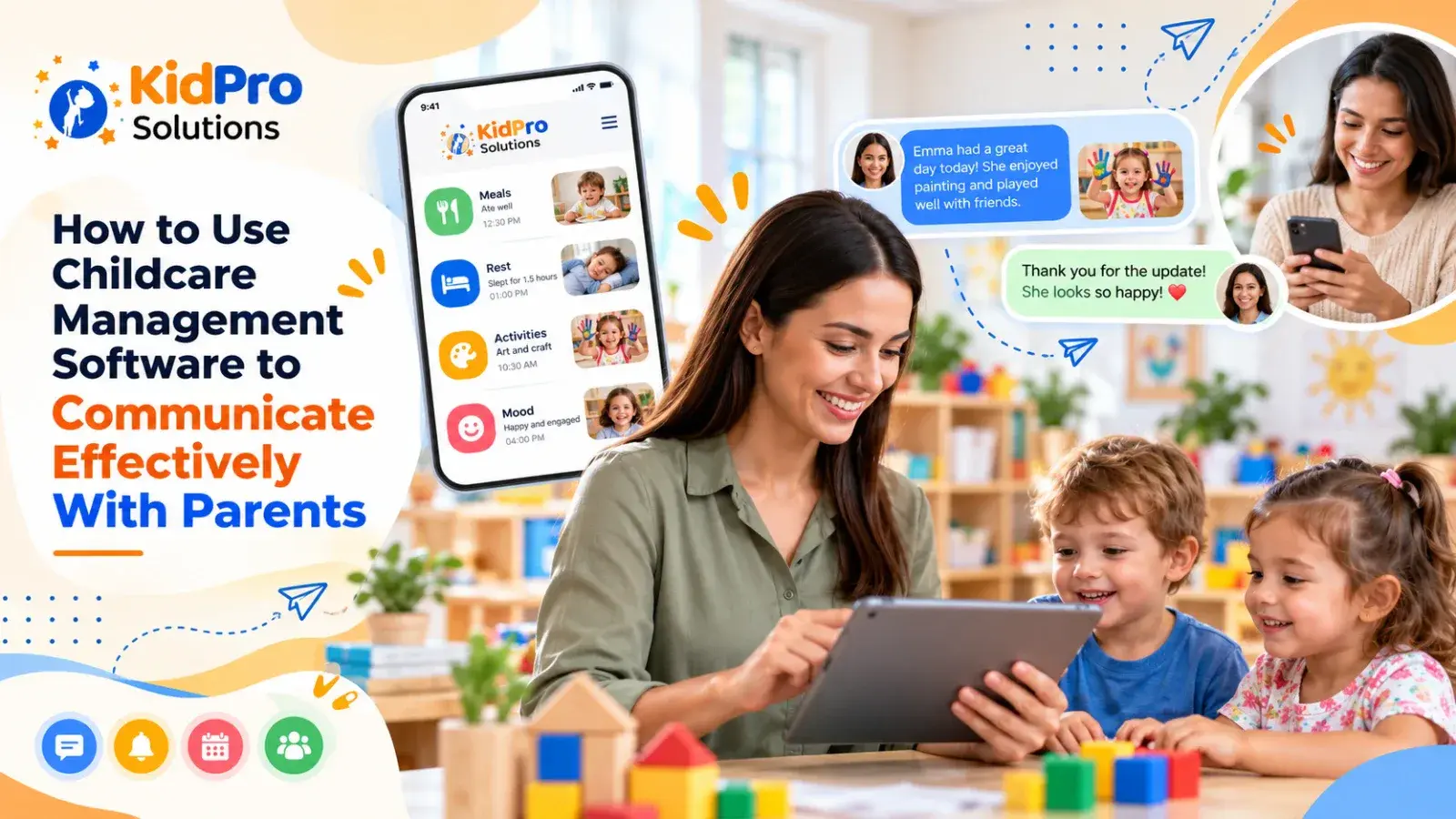
Parent communication is one of the most important parts of running a successful childcare center. Families want to know that their children are safe, engaged, comfortable, and supported throughout the day. Educators also need information from parents about sleep, meals, health, routines, changes at home, and a child’s current interests. When this information moves clearly between home and childcare, children benefit from more consistent care.
Many centers still manage this communication through a combination of conversations at pickup, paper notes, emails, phone calls, and separate messaging applications. These methods can work, but they can also make information difficult to find and easy to miss. Educators may spend valuable time repeating the same update, while parents may be unsure where to look for an important notice.
Childcare management software can help bring routine communication into one organized system. When it is used thoughtfully, it can support daily reports, direct messages, announcements, attendance updates, and family engagement without replacing the personal relationships that make early childhood care meaningful.
This article explains how to use childcare management software to communicate effectively with parents. It discusses what to share, how often to communicate, how to write useful updates, how to manage sensitive conversations, how to encourage two-way communication, and how a platform such as KidPro can support a more connected childcare experience.
What Is Childcare Management Software?
Childcare management software is a digital platform designed to help centers manage administrative work and communicate with families. Depending on the platform, it may include enrollment, digital check-in, daily activity reports, parent messaging, billing, health information, and operational records.
For parent communication, the software can create one central place for routine updates and important information. An educator may record that a child participated in a sensory activity, ate lunch, rested, or needed extra support during a transition. A parent can then receive that information through the approved family communication system instead of relying on a rushed conversation at the end of the day.
The software is most useful when it supports a clear communication policy. Staff should know what belongs in a daily report, what should be sent as an individual message, what requires a phone call, and what should be discussed privately with a director or family. Technology can organize communication, but professional judgment remains essential.
Why Effective Parent Communication Matters
Effective parent communication builds trust between families and childcare educators. Parents are more likely to feel confident when they receive clear, respectful, and relevant information about their child. They do not need a long report every hour, but they do need dependable communication that helps them understand how the day is going.
Communication also supports continuity of care. A parent may tell the center that a child slept poorly, is beginning a new routine, has experienced a change at home, or is feeling nervous about a transition. Educators can use this information to respond with greater sensitivity. In the same way, an educator may tell a parent that a child has become interested in puzzles, is using new words, or is finding a particular activity difficult.
Family communication also makes learning more visible. A short, specific observation can show parents what a child was exploring and how educators supported development. Instead of simply saying that children played outside, an educator might explain that a child practiced balancing, took turns with a friend, or used descriptive language while examining leaves.
Regular communication can prevent small misunderstandings from becoming larger concerns. When families know how the center shares updates, who to contact, and when to expect a response, they have a clearer understanding of the service. Clear processes are especially important when discussing attendance, health, incidents, late pickups, payments, or changes to the daily schedule.
Choose the Right Communication Purpose Before Sending a Message
Not every message should be written in the same way or sent through the same channel. Before using childcare management software to contact a family, decide what the message is meant to accomplish.
A routine daily report may help a parent understand the child’s activities, meals, rest, mood, and learning. An individual message may be appropriate when one family needs an update about a child’s day or a reminder about an item. A broadcast notice may be suitable for information that applies to every family, such as a schedule change, center closure, or upcoming event.
Some matters require a phone call or private meeting instead of a written message. Sensitive concerns about injuries, repeated behavior, health, development, family circumstances, or safeguarding should be handled according to the center’s policies. A digital message may provide an initial notice, but it should not be used as a substitute for a thoughtful conversation when the issue requires discussion.
Clear communication improves when staff agree on these distinctions. It prevents a group announcement from being used for private information and reduces the chance that urgent concerns will be buried among routine updates.
Use Daily Reports to Share Meaningful Information
Daily reports are one of the most useful communication features in a childcare management platform. They give families a regular view of the child’s experience and create a record that can be reviewed later. However, the quality of a daily report depends on what it says rather than how often it is sent.
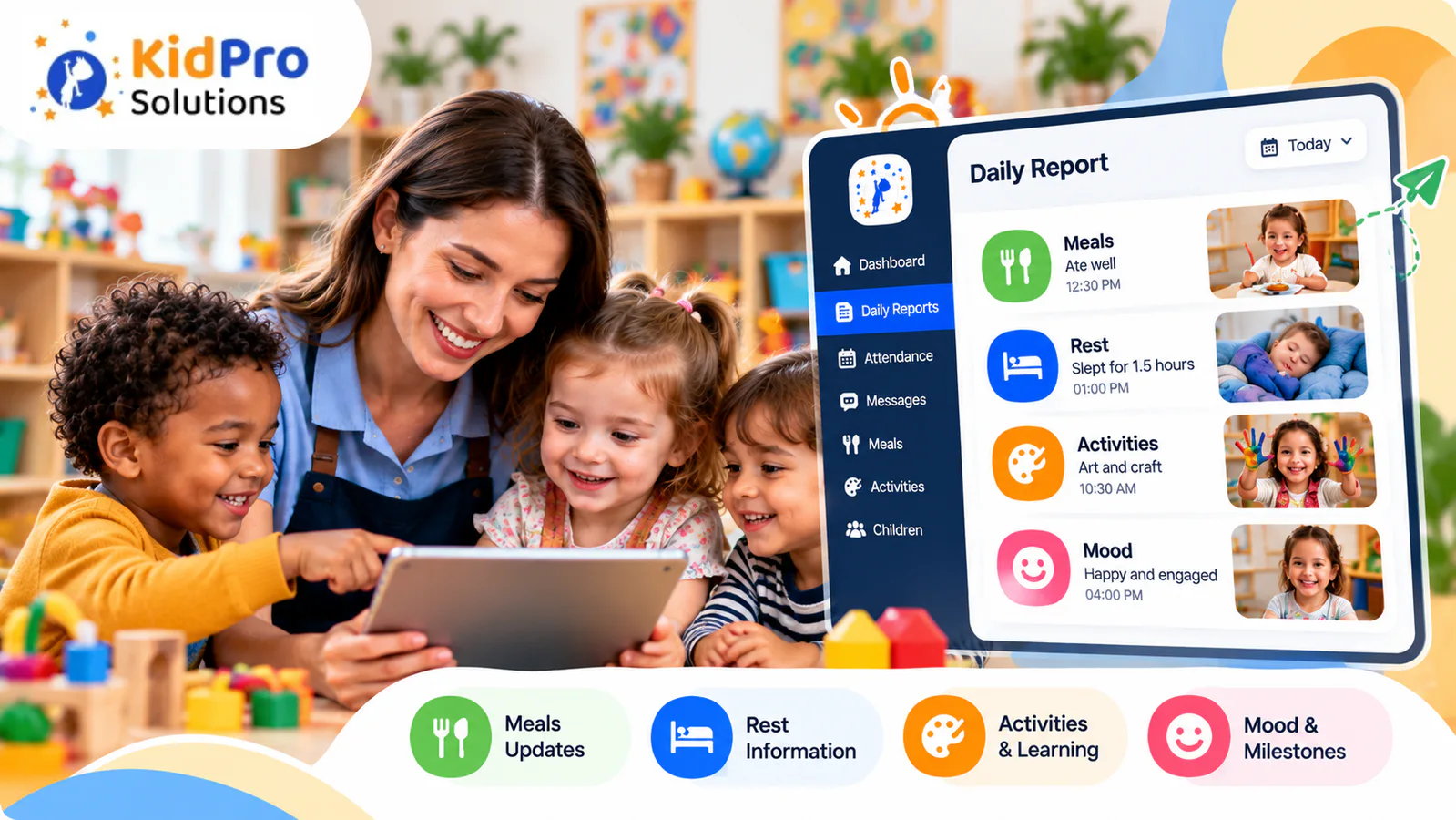
A useful report may describe meals, rest, potty when relevant, outdoor play, classroom activities, mood, social interactions, and a meaningful observation. The report should reflect the child’s actual day rather than relying on the same generic sentence for every child.
Specific details make an update more valuable. “Mia enjoyed art today” is positive but broad. “Mia chose green and yellow paint, mixed the colors with a sponge, and told a friend that the paper looked like a garden” gives the family a clearer picture of her participation and learning.
Educators do not need to write an essay for every child. A few accurate sentences can be enough when they are specific and connected to the child. The goal is to make the day visible without creating so much administrative work that educators have less time to interact with children.
Reports should also use careful developmental language. Avoid claiming that a child has mastered a skill based on one observation. Phrases such as “is beginning to,” “showed interest in,” “benefited from support with,” and “participated in” are often more accurate and respectful.
Share Updates in Real Time When It Adds Value
Real-time communication can reassure families, but constant notifications are not always helpful. The center should decide which updates are important enough to send during the day and which can be included in the regular daily report.
A real-time update may be appropriate when a child reaches a significant milestone, settles after a difficult arrival, needs a specific item from home, or experiences a change that the family needs to know about. It may also be useful for a center-wide announcement that affects the day’s schedule.
Too many notifications can have the opposite effect. Parents may begin to ignore alerts, and educators may feel pressure to document every small event. Communication should be purposeful. The best question is not whether the software can send an instant update, but whether sending it now helps the child, family, or center.
Set expectations with families so they understand when routine updates are normally sent and how quickly staff respond to non-urgent messages. Educators need uninterrupted time to supervise and engage with children, so they should not be expected to respond immediately to every message during active classroom periods.
Make Communication Two-Way
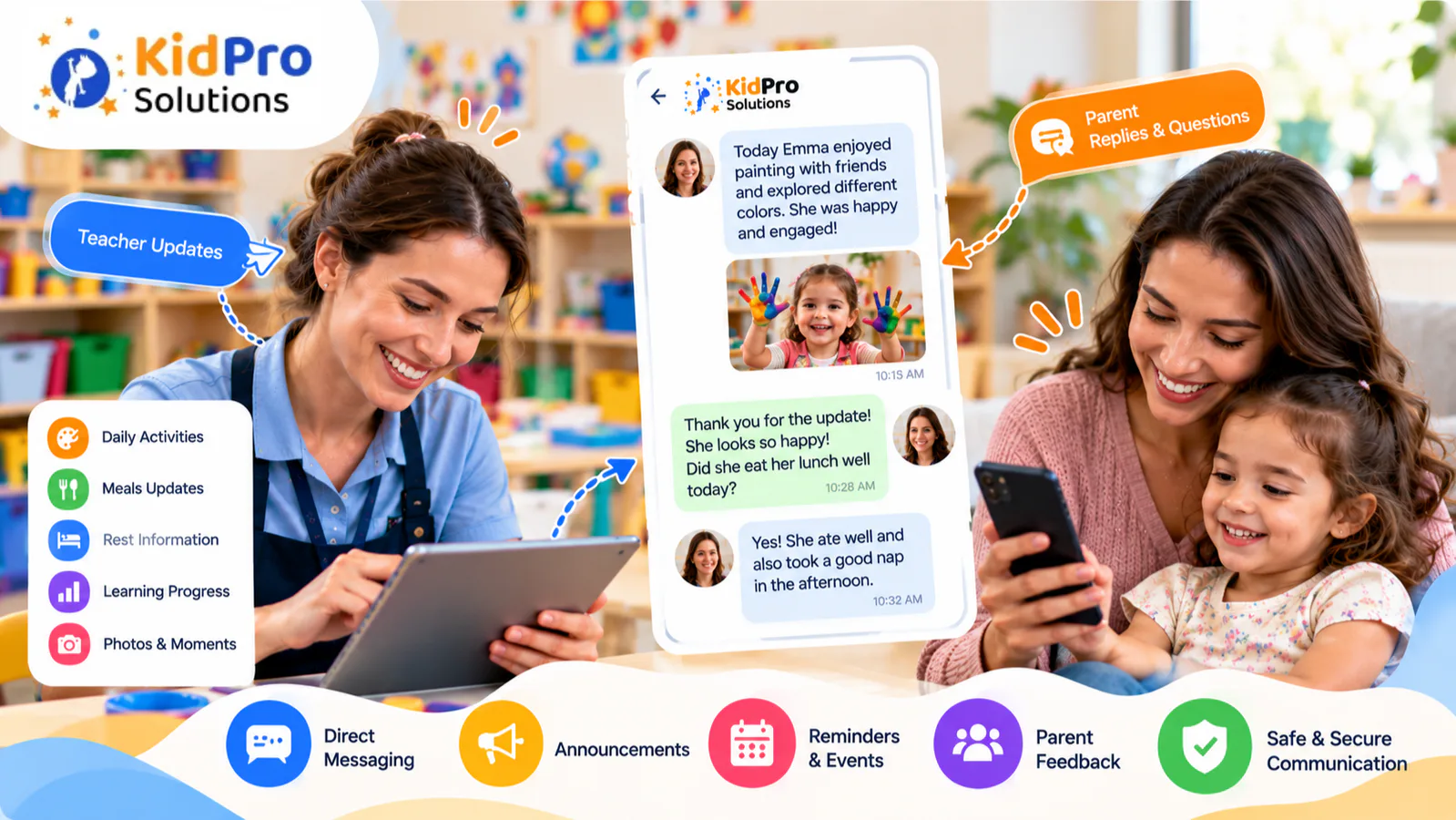
Parent communication is most effective when information moves in both directions. A center should not use childcare management software only as a broadcast tool. Families should have an appropriate way to share updates, ask questions, and contribute information about their child.
Invite parents to mention changes that may affect the child’s day. A child may be tired after a disrupted night, excited about a family event, or adjusting to a new routine. Parents may also have suggestions about comfort items, communication strategies, or interests that can be included in classroom experiences.
Educators should acknowledge family messages and follow up when necessary. A short response can show that the information was read and understood. If a question requires research or discussion with a director, tell the parent when they can expect a fuller response rather than leaving the message unanswered.
Two-way communication should remain manageable. Families do not need to send constant updates, and educators do not need to hold lengthy conversations through the app. The purpose is to create a reliable connection that supports the child’s care and learning.
Write Messages That Are Clear and Respectful
The tone of a written message matters. A short message can sound abrupt if it is written without context, especially when the subject is attendance, behavior, payment, or an incident. Use calm, factual, and respectful language.
Begin by explaining the reason for the message. Describe what was observed rather than making assumptions about the child or family. If there is a concern, explain what educators did to support the child and what follow-up may be needed.
For example, instead of writing, “Jordan was very difficult today,” an educator might write, “Jordan became upset when the group moved from outdoor play to lunch. We offered a five-minute warning and helped Jordan choose a quiet transition activity. We will continue using advance warnings and would appreciate hearing whether a similar approach helps at home.”
This style avoids labeling the child and invites collaboration. It also gives the family useful information about what happened and what the center plans to do next.
Keep routine messages concise. Parents may read updates while working, traveling, or managing other responsibilities. Clear sentences, familiar language, and a specific purpose make communication easier to understand.
Use Attendance and Check-In Information as Communication Tools
Attendance information is not only an administrative record. It can also support communication with families and improve daily coordination. Digital check-in and check-out can help the center confirm when a child arrived, who is expected to pick up, and whether a child is absent or arriving late.
When attendance is recorded consistently, educators and administrators have a clearer view of who is in the building. Families may also receive more timely information about arrival, absence, or pickup changes. This can reduce confusion at the front desk and help staff focus on welcoming children.
A system such as KidPro childcare management software can connect Digital check-in and check-out, arrival information, daily reports, and family communication in one operational workflow. The value comes from using the information consistently and following the center’s privacy and safety procedures.
Attendance messages should still be handled with care. If a child is unexpectedly absent, the center should follow its established process for contacting the family. If a pickup arrangement changes, staff should verify the information according to center policy rather than relying on an informal message alone.
Communicate About Learning, Not Just Care Tasks
Parents naturally want to know whether their child ate, slept, and used the bathroom, especially when the child is young. These details are important, but communication can also show how children are learning throughout the day.
Educators can connect ordinary activities to development without using complicated educational language. A block-building activity may involve planning, balance, spatial awareness, cooperation, and problem-solving. A cooking activity may involve counting, vocabulary, sensory exploration, and turn-taking. Outdoor play may support movement, confidence, observation, and social interaction.
The report does not need to name every learning area. It can simply describe what the child did and what the educator noticed. This gives families a more realistic understanding of early learning and helps them continue the conversation at home.
Ask open questions when appropriate. A parent may want to know whether a child talked about the activity later or showed similar interest at home. These small connections help families feel involved in the child’s development rather than receiving information only after an assessment or formal conference.
Communicate About Challenging Behavior With Care
Difficult behavior is one of the most sensitive topics for parent communication. Families may feel worried, surprised, or defensive when they hear that their child hit, bit, refused an activity, or struggled to interact with peers. Educators need to communicate honestly without making the family feel blamed.
Choose a private and appropriate channel. A serious or repeated concern may require a phone call or meeting rather than a short app message. Use the software to arrange the conversation or share a brief factual notice when appropriate, but follow the center’s policy for incidents and sensitive information.
Describe what happened, when it happened, what may have happened beforehand, and how educators responded. Avoid guessing about the child’s motives. A child who grabs a toy may need help with turn-taking, communication, or frustration. The behavior should be addressed, but the child should not be reduced to a label.
Invite the family’s perspective. Parents may have noticed a similar pattern at home or may know about a change that could be affecting the child. Agree on a practical strategy and decide how the team will review progress.
Written records should be factual, professional, and stored securely. Do not discuss one child’s behavior in a group message or include information about another child in a family update.
Share Important Notices Without Overwhelming Families
Childcare centers need to communicate more than individual daily reports. Families may need reminders about closures, events, forms, illness policies, emergency procedures, tuition, classroom changes, or upcoming transitions.
A childcare management platform can help the center send information through one organized channel. This is especially useful when a notice applies to many families. However, important announcements should be written clearly and sent with enough notice whenever possible.
Use a direct subject or opening sentence so families understand the purpose quickly. Include the date, action required, deadline, and contact person when relevant. Avoid sending the same notice through several unrelated channels unless the message is urgent or the center’s policy requires multiple methods.
Keep routine reminders separate from urgent information. If every message is treated as urgent, families may not recognize a genuine emergency. Clear categories help parents decide what requires immediate attention.
Protect Privacy When Communicating Digitally
Childcare communication often contains personal and sensitive information. Names, health details, attendance, photographs, family circumstances, emergency contacts, and developmental observations should be handled responsibly.
Use individual accounts and approved systems rather than personal messaging accounts. Staff should check the recipient before sending a message or photo and should avoid discussing confidential information in a group channel. Access should be limited to people who need the information for their role.
Families should understand how photographs, reports, messages, and records are used and stored. Consent and privacy procedures vary by location, so centers should follow current local requirements and their own policies. The software provider’s security and data-handling information should also be reviewed before the platform is adopted.
Educators need training, not just passwords. They should know how to protect login details, report a mistaken message, manage devices, and respond when they suspect that information has been accessed incorrectly.
Create a Communication Policy for Staff
A communication platform works best when the center has clear expectations for its use. The policy should explain which channels are approved, who can send messages, how quickly staff respond, what belongs in a daily report, and which matters require a phone call or meeting.
The policy should also address communication outside normal hours. Families need to know when they can expect a response, while staff need boundaries that protect their wellbeing and classroom responsibilities. Educators should not be expected to monitor messages constantly while supervising children.
Managers should review the policy with new staff and revisit it when the software or center procedures change. Consistency matters because families may become confused if one educator uses the platform differently from another.
The policy should encourage warmth and professionalism at the same time. Digital communication should feel connected to the center’s relationships, not like an automated stream of notices.
Help Staff Use Software Without Losing Personal Connection
Technology should make communication easier, but it should not replace a greeting at arrival, a thoughtful conversation at pickup, or a private discussion when a parent is worried. Families value personal connection as much as convenience.
Educators can use the software to prepare for conversations. A daily report may remind a teacher to mention a child’s interest in a particular activity. Attendance information may help the team notice a pattern in late arrivals. A parent message may provide context that helps the educator support the child more effectively.
Managers should also protect time for staff to interact directly with children. If documentation becomes so demanding that educators spend most of the day entering information, the center should review the workflow. Reports should be useful, realistic, and appropriate to the age of the children.
The best communication system combines organized digital records with human attention. Families should feel that the center knows their child, not that the child is represented only by a profile and a series of notifications.
Common Mistakes to Avoid
A common mistake is sending too many messages. Frequent updates may seem helpful at first, but families can become overwhelmed and miss information that matters. A communication schedule with clear categories helps the center stay informative without becoming noisy.
Another mistake is sending only generic updates. Families want to know about their child’s real experience, so educators should include specific observations when possible. At the same time, reports should remain manageable enough for staff to complete consistently.
Centers should also avoid using the platform for sensitive conversations that require privacy or discussion. A written message can be misunderstood, especially when emotions are involved. Choose a phone call or meeting when the subject needs a collaborative conversation.
A further mistake is expecting instant replies from families or staff. Parents may be at work, driving, or caring for another child. Educators may be supervising a classroom. Clear response expectations reduce pressure and prevent unnecessary misunderstandings.
Finally, technology should not be introduced without training. Staff need to know how to use the communication features, protect private information, and follow the center’s written standards. Families also need clear instructions and support when a new platform is introduced.
Conclusion: Use Technology to Strengthen Family Partnerships
Childcare management software can make parent communication more consistent, organized, and accessible. It can help educators share daily observations, administrators send important notices, and families stay connected to their child’s experience.
The technology itself is only part of the solution. Effective communication depends on thoughtful policies, specific writing, two-way partnership, privacy awareness, realistic response expectations, and staff who have time to engage with children. A digital platform should reduce administrative confusion while protecting the personal relationships that make childcare valuable.
If your center wants to bring Digital check-in and check-out , daily reports, parent messages, and routine communication into one place, explore KidPro’s childcare management software and consider how it could support your center’s family engagement goals. Use the platform as a practical foundation for better communication, while keeping trust, respect, and each child’s individual needs at the center of the work.
It can give the center one organized place for daily reports, direct messages, attendance updates, announcements, and family information. This can reduce missed messages and repeated data entry while making communication more consistent. The software works best when it supports a clear policy and does not replace personal conversations.
A report may describe the child’s meals, rest, activities, mood, social interactions, and a specific observation about participation or learning. The information should be accurate, concise, and relevant to the child’s actual day. Centers should also consider the child’s age and the family’s communication needs.
Routine communication should be regular and predictable, but it does not need to be constant. Daily reports may be appropriate for everyday information, while individual or center-wide messages should be sent when there is a clear purpose. Urgent or sensitive matters should be handled promptly through the appropriate channel.
No. Software can organize routine updates and make information easier to access, but face-to-face conversations remain important for relationships, sensitive concerns, developmental discussions, and family partnership. Digital communication should support personal connection rather than remove it.
Use factual, respectful language and choose a private channel. Explain what happened, what educators did, and what support may help next. Invite the family’s perspective and follow the center’s incident, behavior guidance, and safeguarding procedures.
Parents can use approved messaging features to share updates, ask questions, and respond to information from educators. Staff should acknowledge messages and explain when a fuller response will be available. Two-way communication should remain focused on supporting the child rather than creating pressure to respond constantly.

KidPro simplifies enrollment, attendance, parent communication, billing, and daily reporting with one easy-to-use childcare management platform.
Explore
Copyright ©2026 KidPro


