How to Use Childcare Management Software to Track Children’s Development and Progress
Category: Early Learning Education
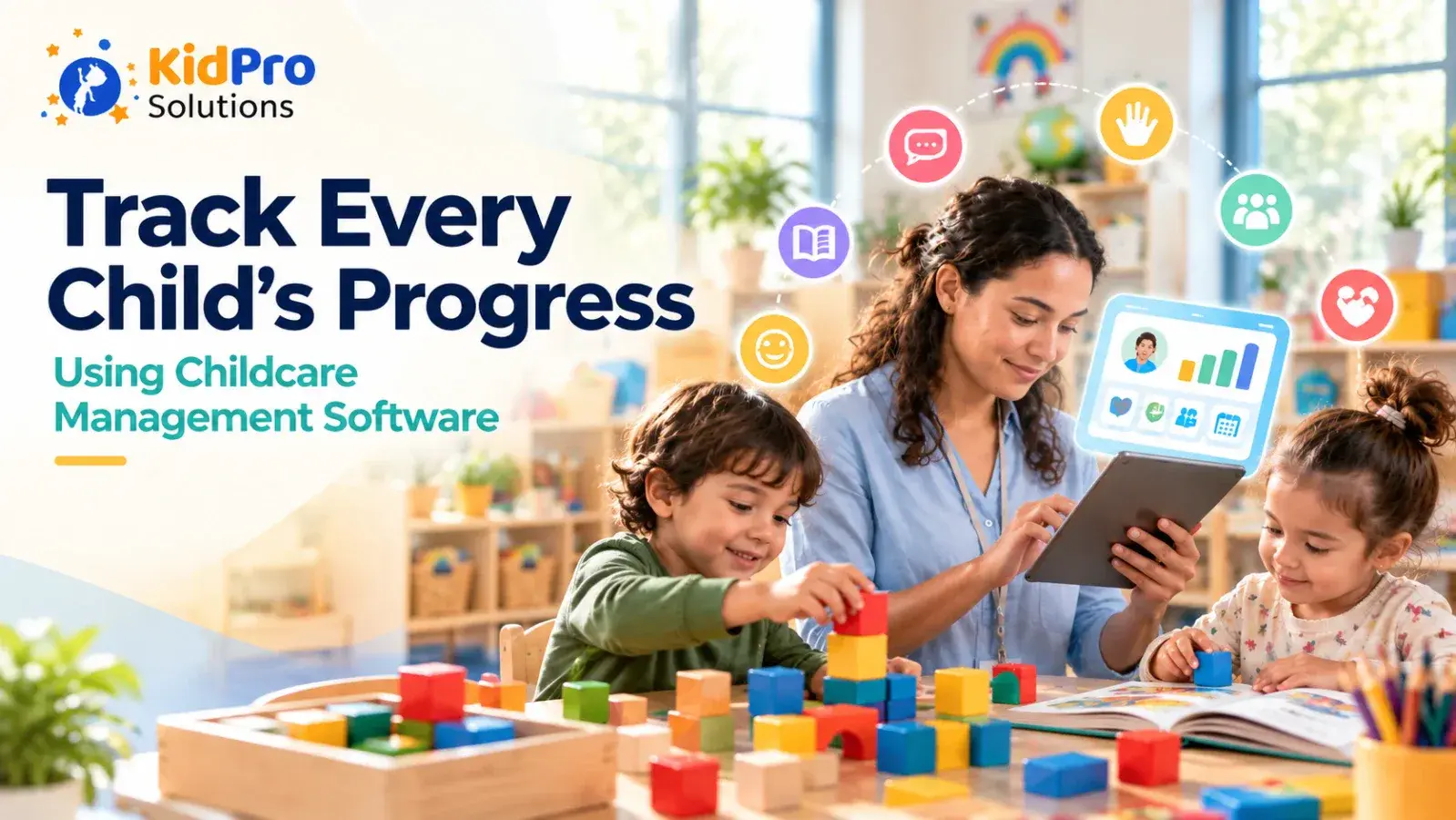
Tracking children’s development is an important part of high-quality early childhood care. Educators need to understand what each child can do, what interests them, where they need support, and how their skills change over time. Families also want meaningful information about their child’s learning, relationships, communication, physical development, and growing independence.
In many childcare settings, development records are kept in notebooks, paper folders, spreadsheets, photographs, classroom displays, and separate assessment documents. These records can contain valuable information, but they may be difficult to organize and review. Educators may spend too much time searching for notes, while families may receive only occasional updates about their child’s progress.
Childcare management software can make this process more organized. When educators use a digital platform to record observations, daily activities, learning experiences, and family communication, they can build a clearer picture of each child’s development. The software does not replace professional observation or assessment. It gives the team a practical place to store, review, and share information.
This article explains how to use childcare management software to track children’s development and progress. It covers what to observe, how to write meaningful records, how to connect daily activities with learning, how to involve families, how to protect privacy, and how a platform such as KidPro can support more connected childcare operations.
What Does Tracking Child Development Mean?
Tracking child development means observing and documenting how children grow, learn, communicate, interact, move, think, and become more independent over time. It is an ongoing process rather than a single test or one-time report.
Educators may observe language and communication, social and emotional development, physical movement, problem-solving, creativity, early literacy, early mathematics, self-help skills, and approaches to learning. The exact areas depend on the children’s ages, the center’s curriculum, local requirements, and the needs of individual children.
Tracking progress does not mean comparing children against one another. Young children develop at different rates and may show skills in different ways. A child may communicate confidently through gestures before using many spoken words. Another child may solve a complex construction problem but need more support during group conversations.
The purpose of documentation is to understand the individual child and plan meaningful experiences. Educators can use observations to decide what materials to offer, what questions to ask, when to provide help, and how to extend an interest. Families can use the information to understand what their child is exploring and to share what they notice at home.
Why Use Childcare Management Software for Development Tracking?
Childcare management software can bring scattered observations and daily updates into one organized system. This makes it easier for educators to review a child’s experiences over time instead of relying only on memory or searching through several paper files.
A digital record can show patterns that are difficult to see in isolated notes. An educator may notice that a child repeatedly chooses activities involving sorting, enjoys playing with younger children, or becomes more confident when given advance notice before a transition. These patterns can support better planning and more personalized guidance.
Software can also reduce duplicated work. An activity recorded in a daily report may provide useful information for a progress conversation with a family. An attendance record may help explain why an educator has fewer observations for a child who has been absent. A communication history may show which strategies have already been discussed with parents.
Digital tools can make progress more visible to families. Instead of waiting for a formal conference, parents may receive regular updates about interests, efforts, emerging skills, and classroom participation. These small updates can create a stronger connection between home and childcare.
The quality of the result still depends on the quality of the observation. Software can store information, but educators must decide what is meaningful, how to interpret it, and what action should follow.
Start With Clear Developmental Goals
Before entering observations into a platform, the center should decide what it wants to understand about children’s development. Clear goals help educators focus on useful information instead of recording every activity without a purpose.
A center may want to understand how children communicate their needs, participate in group experiences, solve problems with peers, manage transitions, use fine-motor skills, or develop independence during meals and self-care routines. The goals may be broad for infants and toddlers and more specific for preschoolers preparing for their next educational stage.
Goals should be appropriate to the child’s age and individual situation. They should not turn the classroom into a testing environment. Children can demonstrate development through play, conversations, routines, relationships, movement, creative activities, and everyday choices.
Educators should also consider the child’s interests and strengths. A child who loves vehicles may show counting, language, planning, and social skills during transportation play. A child who prefers books may demonstrate memory, storytelling, emotional understanding, and early literacy during shared reading.
The software should support the center’s educational approach rather than force every child into the same narrow set of categories. Use developmental areas as a guide for observation, not as a reason to label or compare children.
Observe Children in Natural Situations
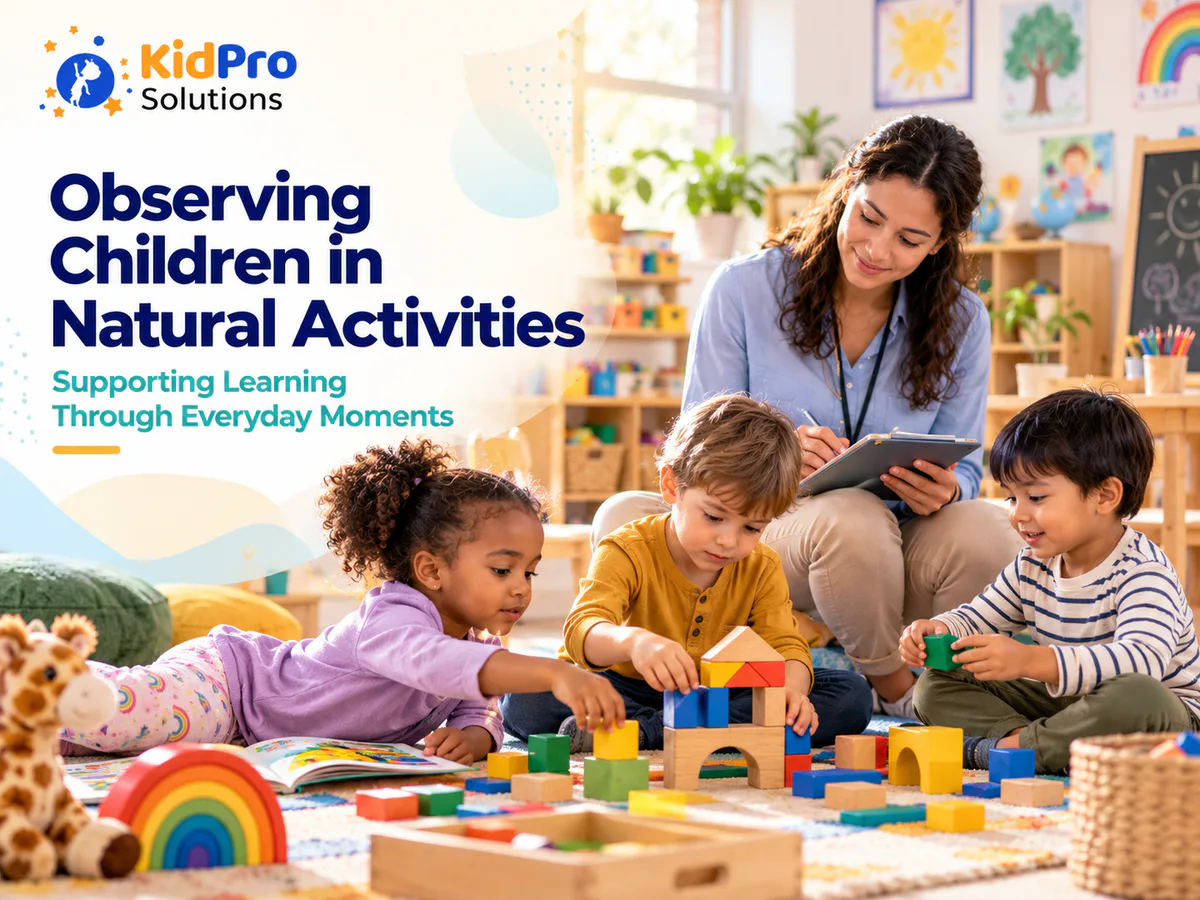
The most useful observations often happen while children are involved in normal classroom experiences. Educators can learn a great deal by watching how a child approaches a puzzle, joins a game, responds to a challenge, communicates with a friend, or manages a familiar routine.
Natural observations are more meaningful than asking a child to perform a skill simply to create a record. A child may demonstrate problem-solving while trying to reach a toy, spatial awareness while building with blocks, or emotional regulation while waiting for a turn.
Look for what the child does independently, what they do with a small amount of support, and what remains difficult. Notice the words, gestures, movements, choices, and strategies the child uses. Pay attention to the environment because behavior may change depending on noise, group size, time of day, materials, or adult support.
Record the context of the observation. A short note that says “can count” gives little information. A more useful record might explain that the child counted four cups while setting the table, touched each cup once, noticed when a friend needed another cup, and corrected the count after one was removed.
The aim is not to write a long description every time. A concise observation can be valuable when it includes enough detail to show what happened and what the educator learned from it.
Write Objective and Meaningful Observations
A strong observation separates what the educator saw and heard from personal assumptions. Objective writing describes the child’s actions, words, choices, and responses. It avoids labels such as lazy, difficult, advanced, shy, or uncooperative.
For example, instead of writing, “Liam was not interested in the activity,” an educator might write, “Liam watched the group for several minutes, moved closer when the educator introduced the animal figures, and later chose two figures to use in the block area.” The second description provides more useful information and avoids assuming what Liam was thinking.
After recording the observation, the educator can add a professional reflection. The reflection might explain that Liam appears interested in animal play and may benefit from more opportunities to combine dramatic play with construction materials. The observation describes what happened, while the reflection explains what it may mean for planning.
A digital platform can help separate the observation, interpretation, and next step. This makes the record easier for another educator or family member to understand. It also reduces the chance that a judgment will be treated as a fact.
Use respectful language when documenting challenges. If a child pushes during a transition, describe the event, what happened beforehand, how adults responded, and what support may help next time. Avoid recording statements that define the child by a single behavior.
Connect Daily Activities With Development
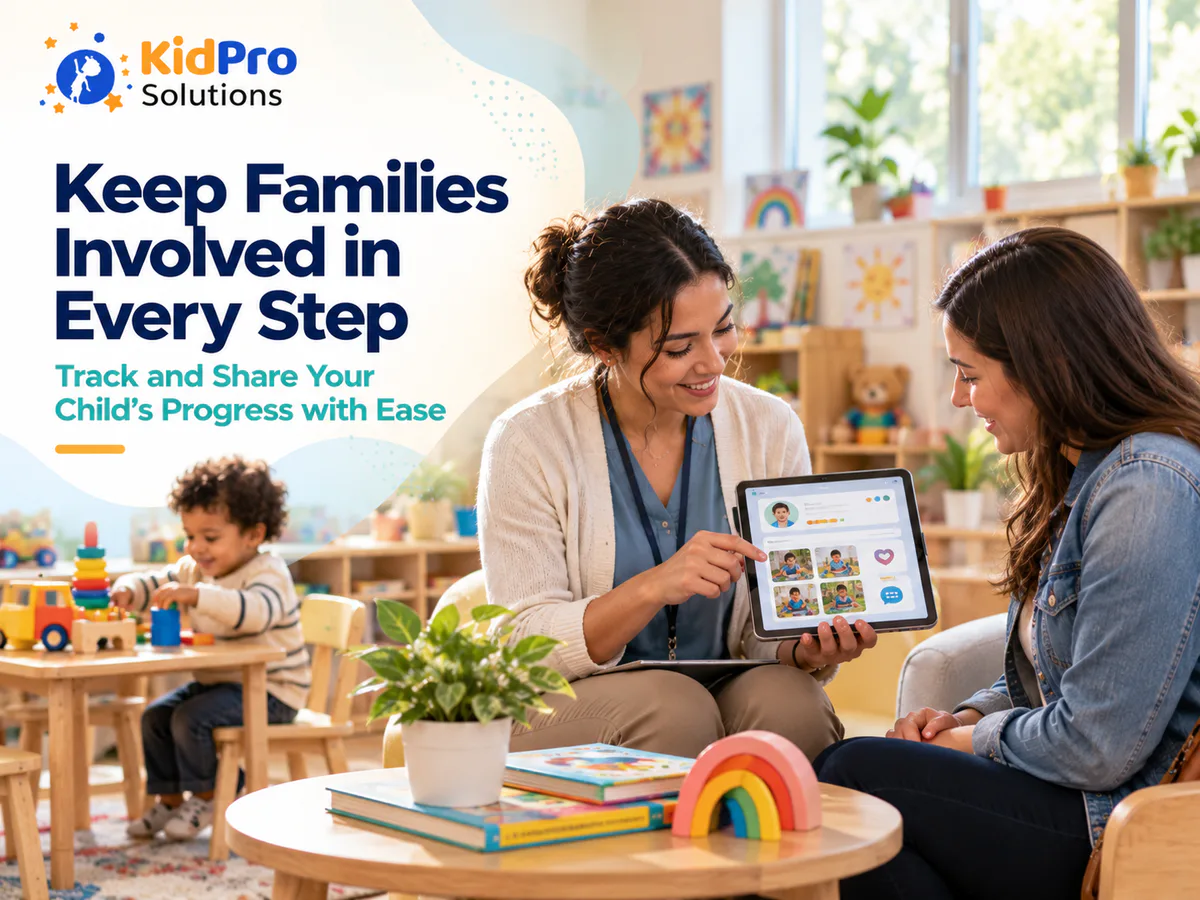
Daily childcare activities provide many opportunities to observe development. Educators do not need to create a separate assessment activity for every skill. They can connect ordinary experiences with the learning that occurs within them.
During block play, children may plan structures, balance materials, use spatial language, negotiate roles, and persist when a tower falls. During art, they may strengthen hand control, make choices, describe ideas, and respond to different textures. During outdoor play, they may develop coordination, confidence, risk awareness, cooperation, and curiosity about the natural world.
Daily reports can include a short explanation of what children were doing and what the educator noticed. A parent may read that their child chose to mix two colors, invited a friend into pretend play, used a new phrase, or kept trying to fasten a coat independently.
The connection should feel natural rather than forced. Educators do not need to add technical terms to every update. Clear descriptions of children’s actions often communicate development more effectively than a long list of educational labels.
When activities and observations are recorded consistently, the center can build a richer picture of progress. A single moment may not show a pattern, but several observations across different days can reveal emerging interests and skills.
Use Digital Records to Notice Progress Over Time
One of the main benefits of childcare management software is the ability to review information across weeks and months. A collection of observations can show how a child’s participation, communication, independence, or problem-solving is changing.
Educators can compare earlier and more recent observations without relying entirely on memory. They may notice that a child who once watched group activities from a distance now joins for longer periods. A child who needed help with cleanup may now follow the routine after a visual reminder. A child who rarely spoke to peers may begin using words to enter play.
Progress is not always a straight line. Children may show a skill one day and need support on another day because they are tired, unwell, overwhelmed, or adjusting to change. A digital record should help educators understand the wider pattern rather than create pressure to show constant improvement.
Review records regularly as a team. One educator may notice language development while another notices physical coordination or social problem-solving. Shared review reduces the chance that progress will be judged from one narrow perspective.
The review should always lead to action. If observations show that a child is interested in sorting, educators can add more classification materials. If a child struggles with transitions, the team can introduce visual warnings or a consistent transition role. Documentation is valuable when it changes how adults support the child.
Use Software to Plan Individualized Learning Experiences
Developmental records should influence future planning. When educators review a child’s interests and emerging skills, they can choose experiences that are challenging without being overwhelming.
A child who enjoys filling and emptying containers may be ready for water play, measuring, comparing quantities, or vocabulary about full and empty. A child who is beginning to use longer sentences may benefit from story props, small-group conversations, and pretend-play scenarios. A child who avoids fine-motor activities may need larger tools, shorter experiences, or materials connected to a strong interest.
The plan should reflect the child rather than treat development as a checklist. Two children may be working toward similar skills but need different materials, levels of support, or ways to participate.
A childcare platform can help educators keep planning information connected to observations and family communication. When the team can review what has already been tried, it is easier to avoid repeating the same approach and to choose a thoughtful next step.
Planning should remain flexible. Children may lead the learning in a different direction, and educators should be willing to follow unexpected interests. Digital records should support responsiveness rather than make the classroom feel predetermined.
Involve Families in the Development Record
Families provide important information that may not be visible in the childcare setting. A child may use different language at home, show independence during a family routine, enjoy a particular cultural activity, or respond differently to familiar adults and new peers.
Invite families to share observations through the approved communication system. Ask open questions about what the child enjoys, what they are practicing, and what changes the family has noticed. Parents may share a new interest, a recent concern, or a skill the child has demonstrated outside the center.
When sharing progress, use specific and balanced information. Families should hear about interests, efforts, relationships, emerging abilities, and areas where the child benefits from support. Avoid presenting development as a competition or implying that a child’s worth depends on reaching a particular milestone by a certain date.
A digital report can begin a conversation, but it should not replace a family meeting when a detailed discussion is needed. If the educator has a concern about development, behavior, or wellbeing, communicate privately and follow the center’s procedures. Explain what has been observed, what support has been offered, and what the team would like to discuss with the family.
Two-way communication also helps educators avoid cultural assumptions. Families may have different expectations about independence, eye contact, communication, play, sleep, food, and social interaction. Listening to families makes the development record more complete and respectful.
Use Photos and Media Responsibly
Photographs and short media clips can help families see children’s experiences, but they should be used thoughtfully. A photo can show participation, concentration, cooperation, or exploration, but it does not provide the full context of development on its own.
Before sharing images, the center should confirm consent, follow privacy policies, and use approved systems. Staff should not save child photographs to personal devices or share them through personal accounts. Families should understand how images are stored, who can view them, and how long they are retained.
When a photo is included with a written observation, explain what the educator noticed. Instead of sending an image with no context, the report might say that the child spent time arranging natural materials, invited a peer to join, or persisted when the structure fell apart.
Not every learning moment needs to be photographed. Educators should not spend so much time capturing images that they miss the experience itself. Observation, interaction, and supervision remain more important than creating a large digital collection.
Maintain Consistent Documentation Across the Team
A child’s development record should not depend entirely on which educator happens to be working that day. Teams need shared expectations for what to observe, how to write notes, how often to review progress, and how to communicate with families.
Consistency does not mean every observation must sound identical. Educators have different perspectives and writing styles. The team should agree on basic standards, such as using factual language, protecting privacy, recording meaningful context, and linking observations to planning.
Managers can provide examples of strong and weak documentation during staff meetings. Reviewing sample notes helps educators understand the difference between describing behavior and labeling a child. It also creates a shared understanding of what families need from progress updates.
A digital platform can improve consistency by giving staff a common place to record information and a common structure for daily reports. It should not create unrealistic documentation expectations. If educators are required to enter too many details, the quality may decline and staff may have less time to engage with children.
Periodic review can identify gaps. One child may have many activity updates but few observations about social development. Another may have detailed notes from one classroom but limited information after moving rooms. Reviewing the record helps the team create a more balanced picture.
Protect Developmental and Family Information
Developmental records are private. They may include health details, family information, behavior observations, photographs, concerns, and professional discussions. The center should decide who can access each type of information and how records are stored.
Use individual accounts and role-based permissions. Educators may need access to children in their room, while administrators may need broader access for planning and record management. Families should see information related to their own child and should not be able to access another child’s record.
Staff should check recipients before sending messages, reports, or photographs. Sensitive concerns should not be discussed in group messages. If a message is sent incorrectly, staff should follow the center’s process for reporting and correcting the mistake.
The software provider’s privacy and security practices should be reviewed before adoption. Requirements vary by location, but responsible centers should consider data storage, backups, account removal, consent, retention, access logs, and procedures for a possible security incident.
Privacy training should be part of staff onboarding and refresher training. Protecting children’s records is a daily responsibility, not simply a technical feature of the platform.
How KidPro Can Support Progress Communication
A childcare management platform can connect daily activity reports, parent communication, check-in and check-out information, and operational records in one place. This helps educators share regular observations while giving families a clearer view of their child’s experience.
KidPro highlights tools for daily reports, parent communication, attendance, and childcare operations. When these functions are used as part of a thoughtful documentation process, educators can spend less time searching through separate records and more time interpreting observations and planning meaningful experiences. You can learn more about KidPro’s childcare management software to see how these connected tools may fit your center’s workflow.
The software should support the center’s educational approach rather than dictate it. Educators still decide what is meaningful, how a child’s progress should be understood, and what support or experience should come next. The platform simply provides an organized place to record, review, and communicate that work.
Common Mistakes to Avoid When Tracking Progress Digitally
One common mistake is recording only completed tasks. A child’s development is also visible in attempts, questions, relationships, strategies, preferences, and changes in confidence. A record should show the process of learning rather than only the final result.
Another mistake is treating digital milestones as a competition. Children develop at different rates and may demonstrate skills in different contexts. Software should help educators understand individuals, not rank children against one another.
Centers should also avoid writing vague observations. Comments such as “had a good day” or “did well in class” may be positive, but they provide little information about what the child actually did. Specific details create a more useful record.
A further mistake is documenting without reviewing. If observations are entered into a platform but never used for planning, the process becomes administrative rather than educational. Teams should schedule time to look at records and decide what they mean for the child’s next experience.
Finally, do not allow documentation to take educators away from children. The amount of recording should be realistic. A short, meaningful note is often more valuable than a long entry written in a rush at the end of the day.
Conclusion: Turn Everyday Observations Into Meaningful Progress Records
Using childcare management software to track children’s development can make documentation more organized, consistent, and useful for families. Educators can record natural observations, connect activities to learning, review changes over time, plan individualized experiences, and communicate progress more clearly.
The most important part of the process is not the software. It is the educator’s ability to notice children carefully, describe what is happening accurately, interpret observations thoughtfully, and respond with meaningful support. Digital tools work best when they make this professional work easier rather than turning it into a box-checking exercise.
Start with simple observations from everyday routines and play. Record what children do, say, choose, and attempt. Review the information with the team, invite family knowledge, protect privacy, and use the record to plan the next opportunity for learning.
If your center wants a more connected way to manage daily reports, family communication, attendance, and childcare records, explore KidPro’s childcare management platform. Used thoughtfully, an organized digital system can help educators and families stay connected to the progress that children make every day.
It can help educators record observations, daily activities, progress updates, family feedback, and planning information in an organized way. The software does not assess a child automatically or replace professional judgment. Educators remain responsible for observing, interpreting, and responding to each child’s development.
Educators can record how children communicate, play, move, solve problems, interact with others, manage routines, express feelings, use materials, and respond to support. The most useful records include the context of the observation and explain what the educator may offer or explore next.
There is no single schedule for every center. Observations should be regular enough to show patterns over time and should reflect the child’s age, needs, attendance, and the center’s requirements. Consistent short observations are usually more useful than occasional long reports.
Not necessarily. Families should receive meaningful information about their child, but not every internal note needs to become a parent message. Educators should choose what is useful and appropriate to share, while sensitive information should be discussed privately according to center policy.
When educators review observations and interests, they can plan materials, questions, routines, and experiences that match the child’s current needs. A shared digital record can help the team remember what has been tried and choose a thoughtful next step.
No. Development tracking in early childhood is often based on observation, documentation, conversations, and children’s participation in natural activities. It should help educators understand and support learning, not create unnecessary pressure or compare children unfairly.
KidPro simplifies enrollment, attendance, parent communication, billing, and daily reporting with one easy-to-use childcare management platform.
Explore
Copyright ©2026 KidPro


